If you’re running TikTok Smart+ campaigns, you know the drill: TikTok’s newest campaign type uses AI to help optimize campaigns toward your performance goals.
Now, TikTok has upgraded its campaign creation experience with a unified flow that lets you choose your preferred level of automation — full, partial, or manual.
Even better: Branch and TikTok have teamed up to give you deeper performance granularity for TikTok Smart+ campaigns directly in the Branch Dashboard.
What’s new
TikTok’s Smart+ campaigns automate ad delivery and creative optimization. Now, with upgraded Smart+ campaigns, TikTok has added a new reporting layer and structures performance data across four hierarchical levels:
- Campaign
- Ad group
- Ad (the new reporting layer)
- Creative
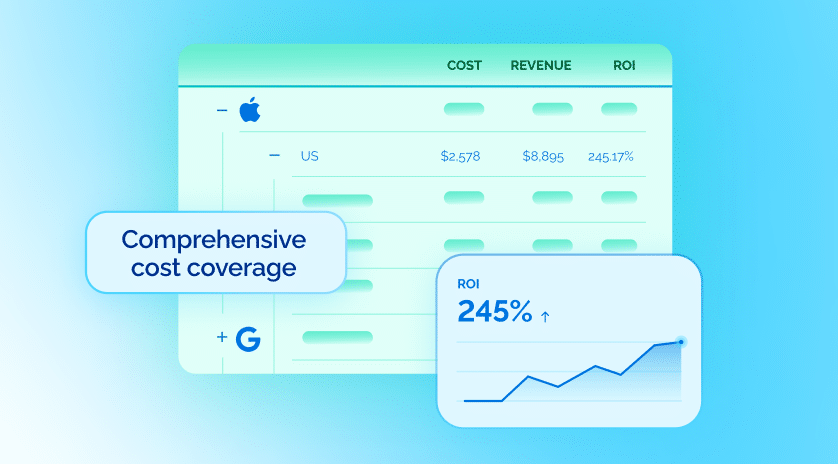
Branch is the first mobile measurement partner (MMP) to support reporting for all four levels of TikTok’s upgraded Smart+ campaigns. That means you can track performance all the way down to individual ad creatives in the Branch Dashboard and export your data. No discrepancies, no blind spots.
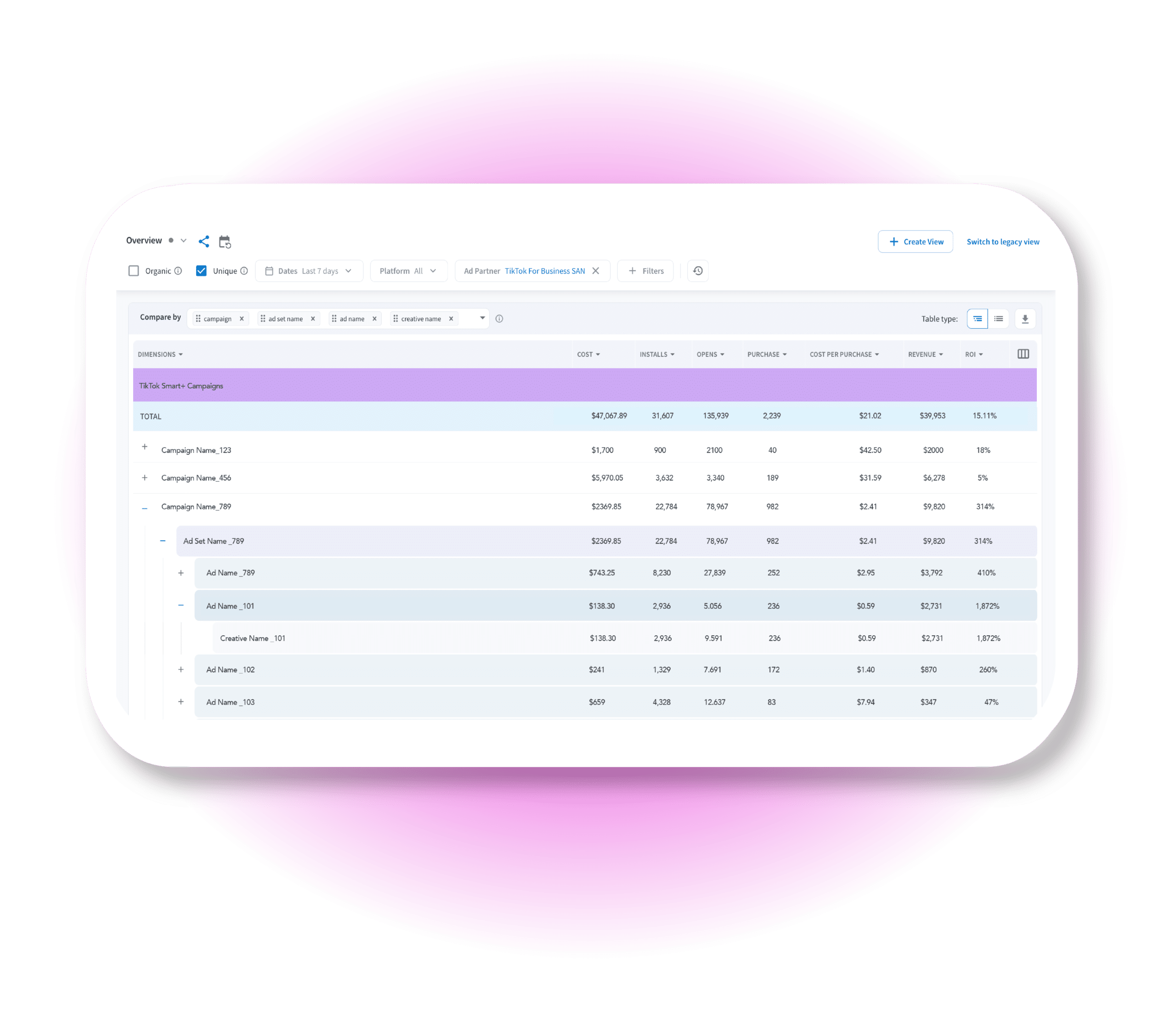
How TikTok campaign types and reporting granularities map to Branch’s reporting schema
Campaign Type | Account | Campaign | Ad Set | Ad | Creative |
|---|---|---|---|---|---|
| Manual campaigns | account | campaign | adgroup | ad | N/A |
| Smart+ campaigns | account | campaign | adgroup | creative | N/A (Mapped to Ad, not tracked separately) |
| Upgraded Smart+ campaigns | account | campaign | adgroup | ad | creative |
Why this matters for marketing performance
Complete ad and creative-level reporting means you have:
- Full creative attribution: See exactly which ad creatives drive the most valuable users.
- Apples-to-apples reporting: Branch data maps 1:1 with TikTok’s reporting, so you can avoid data reconciliation headaches.
- Smarter optimization: Feed granular performance data directly into your creative strategies and budget allocation decisions.
- Asset group insights: Understand how different asset group combinations of video, text, and call-to-action (CTA) variations perform within Smart+ campaigns.
Ready to unlock complete Smart+ Campaign visibility?
Here’s how to get started:
For TikTok: Upgraded Smart+ campaigns are not enabled for all accounts, so reach out to your TikTok account manager or TikTok customer support for access.
Once enabled, you can navigate the upgraded Smart+ experience regardless of the campaign objective: Sales, Lead Generation, or App Promotion. To learn more about how to set up a Smart+ campaign in TikTok, see these step-by-step instructions.
For Branch: Make sure you’ve configured the TikTok Advanced SAN integration in the Branch Partner Manager screen for the relevant app by following the configuration steps here. Once configured, Branch will automatically populate the additional reporting granularity for all upgraded Smart+ campaigns.
Not using Branch yet? Request a demo to see Branch’s TikTok measurement in action.