


Tracking events with your mobile measurement partner (MMP) is one of the highest-leverage things you can do to understand whether your campaigns are actually working. But knowing which events to track isn’t always obvious.
Measuring ad views alone doesn’t tell you much. To understand campaign performance, you need visibility into what users do after they install your app and which channels drove those actions. That’s the real value of an MMP. Branch goes further than measurement alone, connecting users from ads, social, or any channel directly to the relevant item or promotion in your app. If they don’t have the app yet, Branch routes them to the app store and delivers them to the right place right after install. From there, the Branch SDK lets you track the downstream events that paint a full picture of the user journey across devices and platforms, including the conversion events that feed ads optimization.
Here’s a breakdown of the event types Branch supports and how to think about which ones matter for your business.
Visualize a user’s journey across platforms
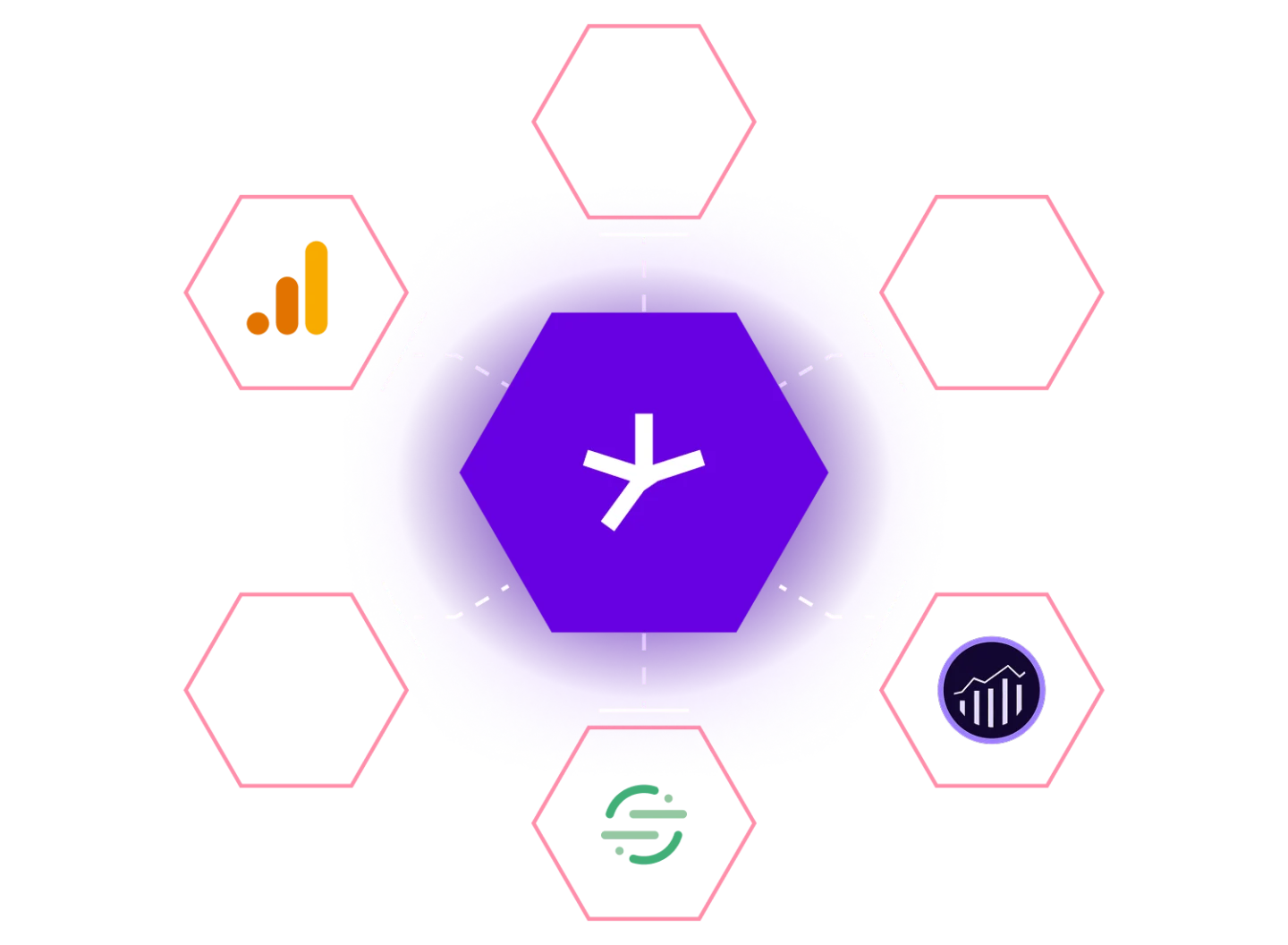
Branch is built to stitch together the user journey from the moment someone lands on your mobile website, interacts with your content, and proceeds to install your app. Once they’re inside the app, the downstream events they perform give you a clear picture of what users are doing right after install.
Branch’s Event Ontology is a universal data schema that is shared across all Branch products. It also contains some predefined standard events that you can track, which fall into three main categories:
- Commerce events
- Content events
- User lifecycle events
Commerce events
Branch commerce events track important e-commerce activity across your website and app.
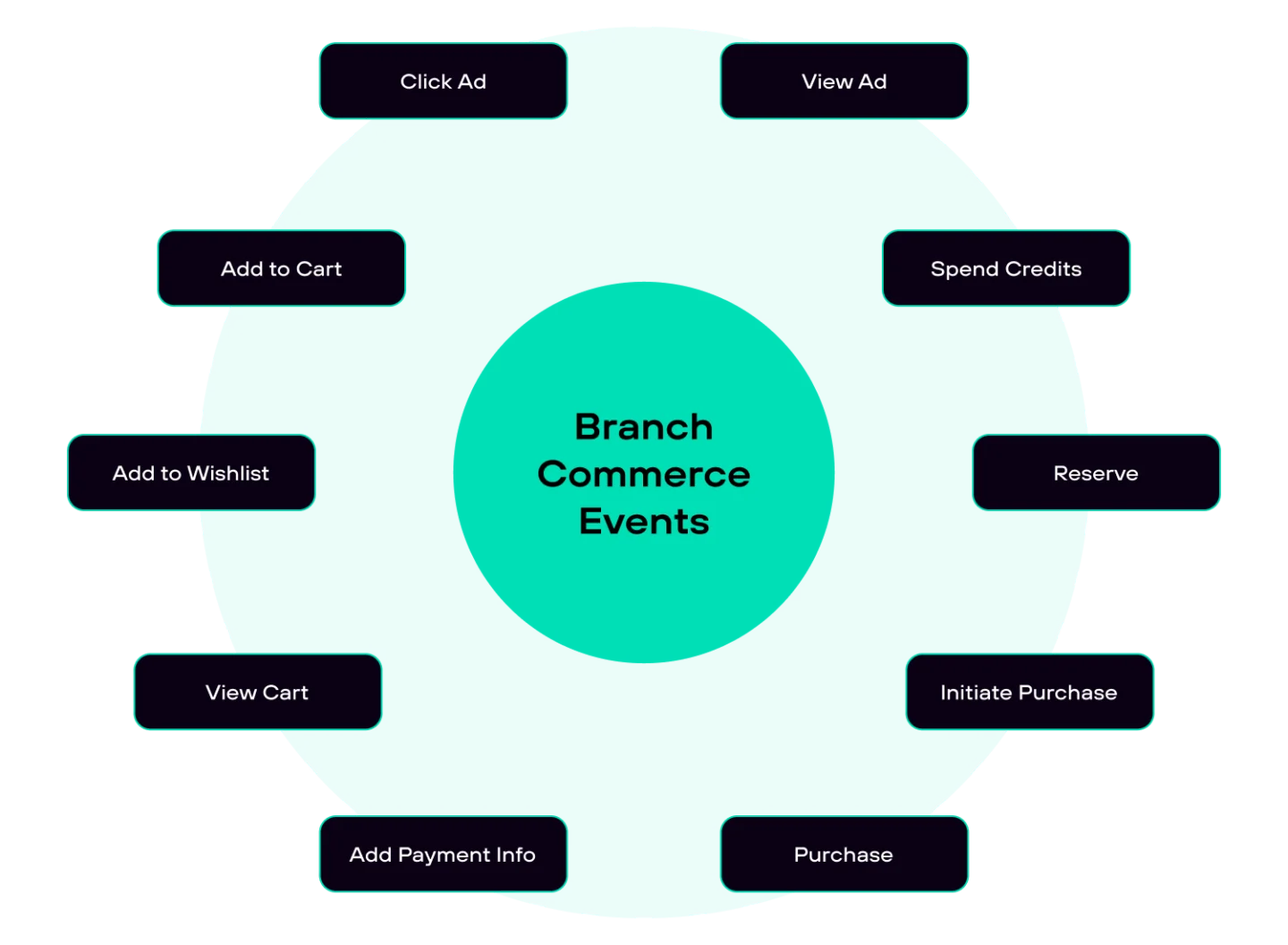
For most clients, especially in retail, purchase revenue is the KPI that matters most. Commerce events give you visibility into the conversion value of users coming into your app. When thinking about which ones to track, consider:
- Can a user make in-app purchases?
- What are the key revenue streams for my app?
- Which channels and campaigns are driving the most purchases in the app?
Tracking commerce events mainly applies to any app (or website) that allows a user to make monetary transactions, such as purchases. The purpose of commerce events is to provide you data about what is making your company money, which you can then analyze. It’s important to consider what key revenue streams are important for your app. If most of your revenue comes from in-app sales, then ‘Add To Cart’, ‘Initiate Purchase’, and ‘Purchase’ are three events that you will most likely want to track. If your app is based on a free-to-play model that generates the majority of its revenue from users viewing ads, then ‘View Ad’ and ‘Click Ad’ will probably make the most sense to track.
Another benefit of tracking commerce events is that they can provide insight into which channels and campaigns are driving the most purchases in the app. If you use UTM parameters like utm_campaign, utm_feature, and utm_tags, Branch will send those with the event., If you don’t use UTM parameters, you can still see the campaign, feature, and tags by using the query parameters ~campaign, ~feature, and ~tags.
Content events
Branch content events track how users interact with the content across your website and app.
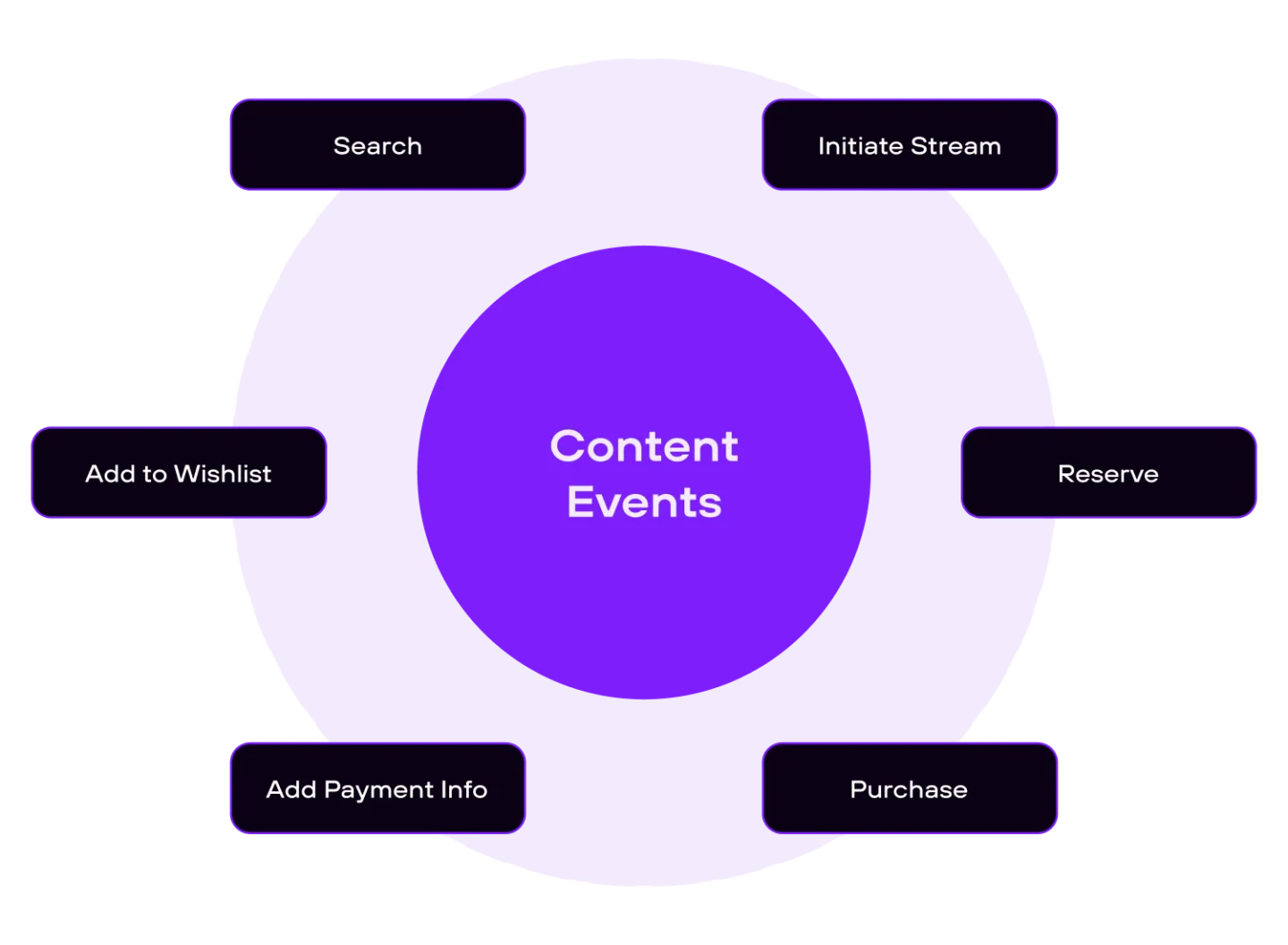
No matter what kind of app you have, understanding which content gets the most attention from users is a valuable signal for engagement. When thinking about which content events to track, consider:
- Are there lists of items or item detail pages?
- Can a user share content on social media?
- Is a user able to stream video or audio?
- Does my app or website have a search bar?
Many apps display items in a list and let users click through to view more details. If that sounds like yours, Branch’s ‘View Item’ and ‘View Items’ events give you visibility into what users are clicking on and engaging with. If users can share content outside the app, the ‘Share’ event lets you see how often they’re sharing and which content they share most.
For streaming apps, ‘View Item’ tracks what content users are watching, ‘Initiate Stream’ captures when they start, and ‘Complete Stream’ tells you when they finish.
If your app has a search bar, the ‘Search’ event lets you track what users are looking for and add metadata to capture the actual search terms. Over time, this gives you a clear picture of the most popular keywords and content gaps in your app.
Lifecycle events
Branch lifecycle events track user behavior after installation.
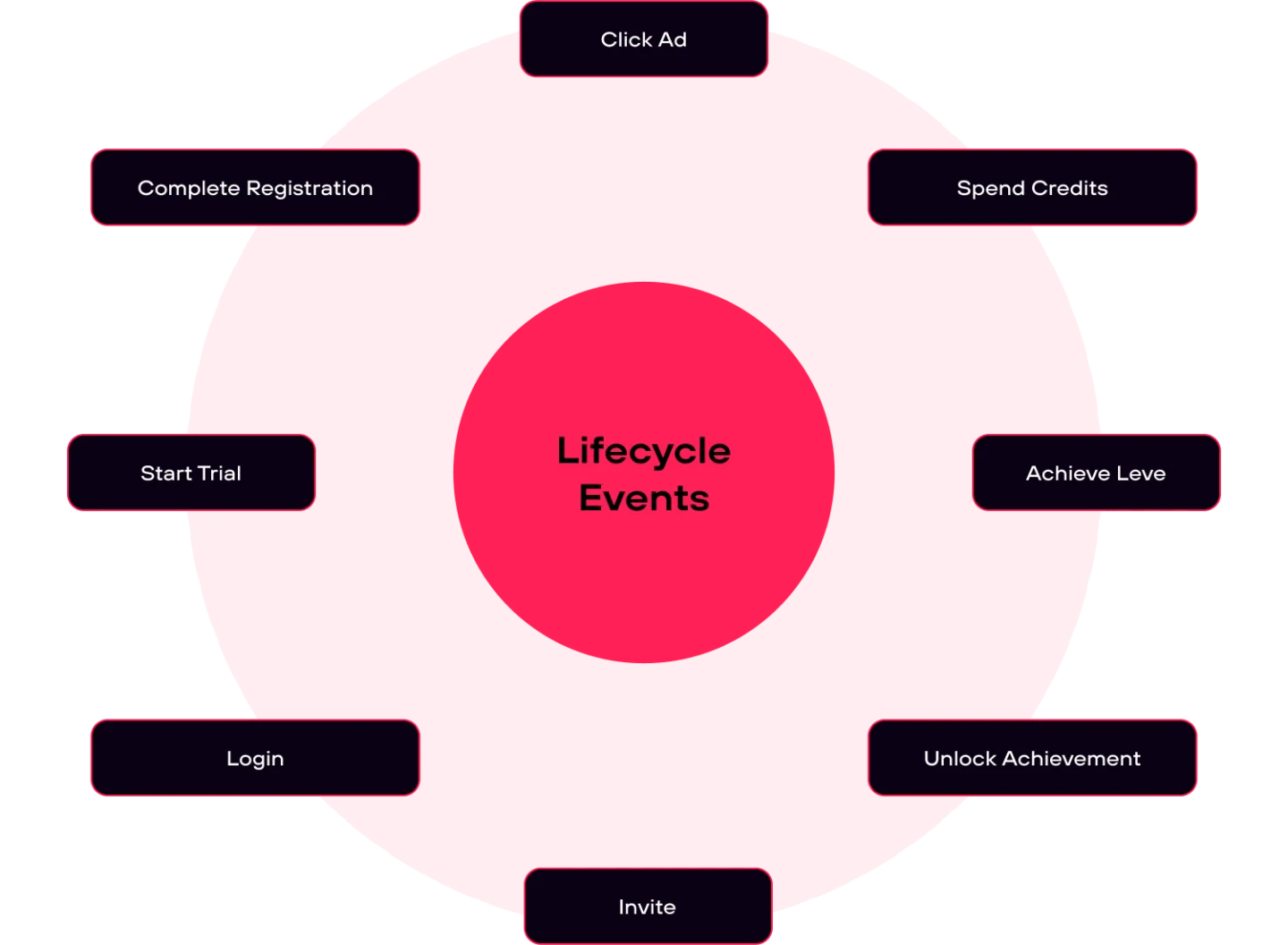
Some events aren’t about app content; they’re about the user’s lifecycle in the app, like registering an account or logging in. Branch provides eight lifecycle events: ‘Start Trial’, ‘Complete Registration’, ‘Subscribe’, ‘Complete Tutorial’, ‘Achieve Level’, ‘Unlock Achievement’, ‘Invite’, and ‘Login’. When thinking about which to track, consider:
- Does the app feature some sort of level or progression system?
- Do you offer a trial version of the app, or a premium feature in the app?
- Is there a First Time User Experience (FTUE) or onboarding flow?
Some apps, like eLearning platforms, assign users a level to mark their progression. Others, like mobile games, have achievements users can unlock as they advance. In either case, Branch’s ‘Achieve Level’ and ‘Unlock Achievement’ events are worth tracking.
If you offer a trial or any premium feature, ‘Start Trial’ and ‘Subscribe’ give you visibility into how many users initiate a trial and how many convert to paid. And since most apps don’t drop users directly into the content on first install, ‘Complete Tutorial’, ‘Complete Registration’, and ‘Login’ are useful for tracking that initial onboarding experience.
Custom events
Custom events let you define your own event names and metadata beyond Branch’s standard event library.
Custom events are where a lot of clients get confused, or even overwhelmed by the options. Before defining one, ask yourself the following questions:
- Is there a predefined Standard Event Branch offers that can be used instead?
- Do I want to view this event on the Branch dashboard?
- Will this event give me insight into the user journey from our website into the mobile app?
- Is this event a value driver for my business?
- Will I make marketing campaign decisions with insight about this event?
If Branch offers a standard event that fits your needs, or comes close enough to repurpose, start there. One of the main reasons to track an event with Branch is to surface trends in the Branch dashboard, and anything you want to see there needs to be tracked through the SDK. It’s also worth thinking carefully about where in the user journey the event fires. Focusing on key downstream events that occur right after install helps you zero in on the metrics that actually reveal the success of your user acquisition and reengagement efforts.
Gain insight into cross-platform and device usage
Many users interact with your app across multiple devices, which can create discrepancies in your data if you’re not accounting for it. Branch gives you a way to handle this.
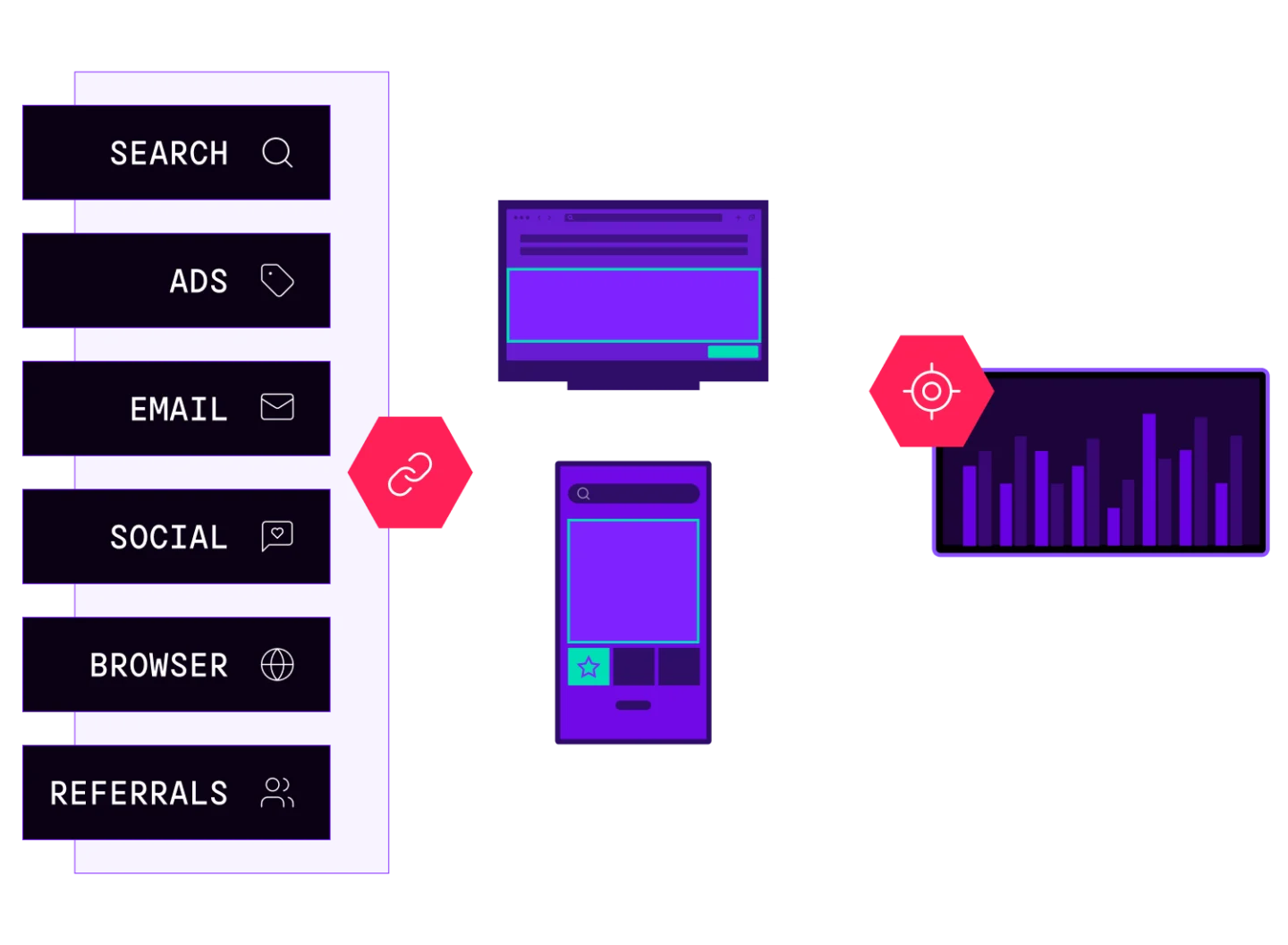
Branch’s ‘setIdentity()’ function, available across our Android, iOS, and Web SDKs, lets you attach a consistent identifier to all events tracked through Branch. This lets you stitch together the user journey from mobile web into app and identify whether the same user is active across multiple devices by matching the ID across events.
Call this function before tracking events and every subsequent event will include a field called ‘developer identity’ in its metadata. You can view this in the Branch Dashboard through Live View, or export it using one of our data export products.
Some of the most frequent questions I get from clients around Branch’s setIdentity() function are:
- What should we use as the identifier?
- When should setIdentity() be called?
- What about guest users?
For the identifier you pass into ‘setIdentity()’, use a public-facing ID you’d be comfortable sharing with a third party like an ad network. Branch doesn’t generate an ID for you; it just gives you the ability to set one. It’s also important to note that you should never pass PII like email or phone number into ‘setIdentity()’. A Universally Unique Identifier (UUID) or Globally Unique Identifier (GUID) are ideal options.
Call ‘setIdentity()’ when the user logs in and you have their ID available. Events won’t have the ID retroactively added, so the ‘developer identity’ field will only appear on events tracked after the function is called. If a user logs out, Branch’s logout() method will remove the identity from any subsequent events.
For guest users, you can still use ‘setIdentity()’ by assigning a guest ID tied to an account. Just keep in mind that once the user logs in, the ID will change, which can show up as two different user IDs on the dashboard. The alternative is to skip setting an identity for guest users entirely, which means you’ll have event data but won’t be able to attribute it to a specific user.
Track events to optimize your SANs ad campaigns
Branch events are particularly useful if you work with a self-attributing network (SAN). Ad networks rely on specific events for ads optimization. Facebook, for example, uses events like installs and purchases to determine which ads are performing and adjust accordingly.
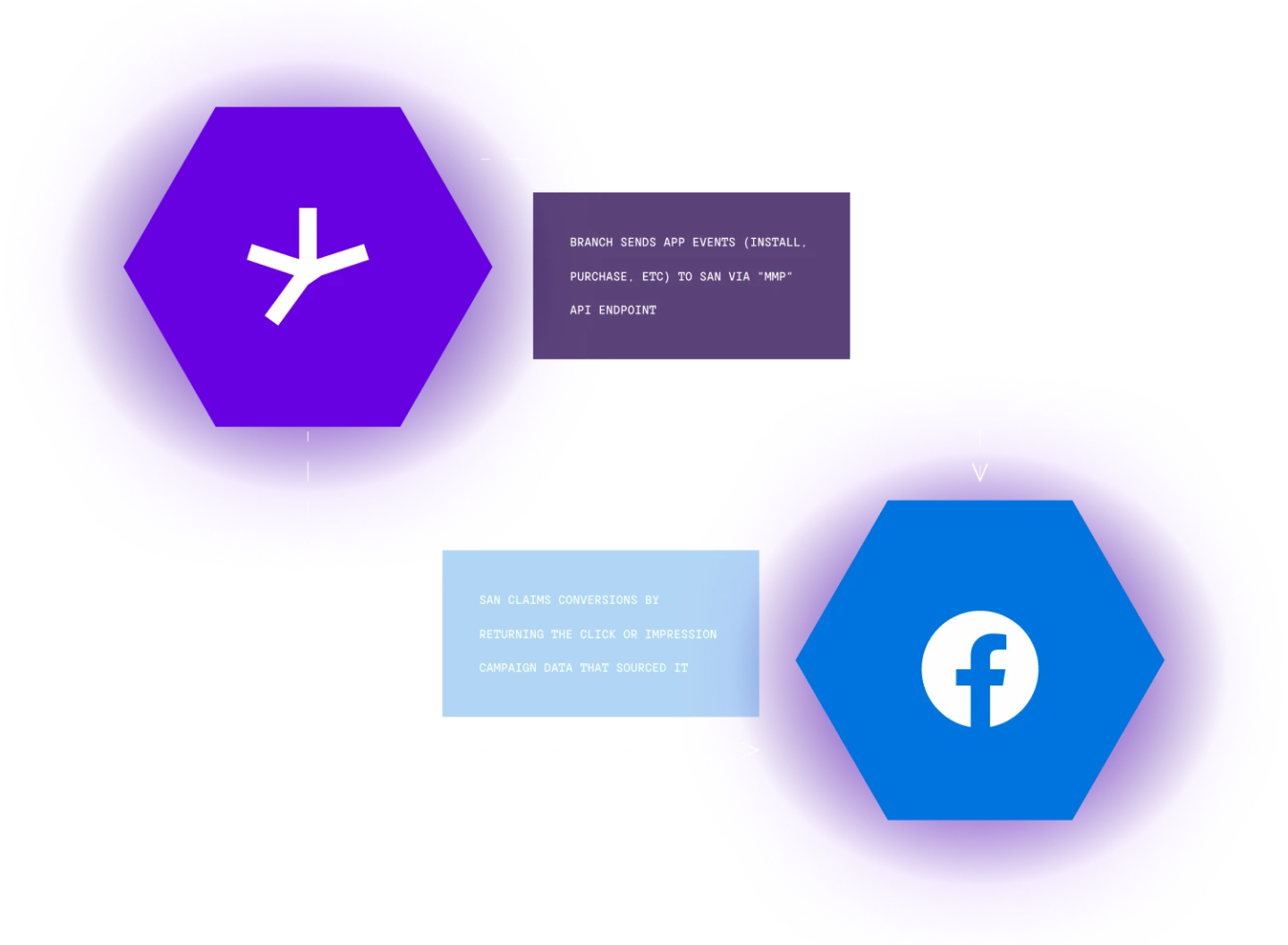
Normally, you’d need the Facebook SDK integrated in your app to optimize campaigns. The Branch SDK lets you map the events you’re already tracking to the event names Facebook expects, so you don’t need a separate integration.
The bigger benefit is that Branch gives you a full picture of ROI across all your channels and platforms in one place, making the Branch Dashboard your source of truth for campaign performance. With Branch you can:
- Track the journey of a user to get insight into their value across each platform and channel.
- Increase conversions by forwarding events to SAN networks for ad optimization.
- Measure the success of your campaigns and their ROI using the Branch dashboard.
Once you begin tracking this data through the Branch SDK, you have the ability to use the Cohort Analytics feature to understand the ROI of your campaigns and also guide future decisions you make pertaining to investment decisions and targeting consumers. You can analyze this data to see how users in certain groups performed over time, giving insight into important metrics like retention and lifetime value (LTV).
Next steps
While growing your business and user base through installs is incredibly important, getting conversions and being able to track down funnel conversions to understand which channels actually perform and drive ROI is invaluable. Measuring the important KPI events for your business, downstream events users perform after installing your app, and important conversion events used for ads optimization with Branch’s SAN integrations helps you understand what works and what doesn’t.
Ready to see it in action? Request a demo.
Already using Branch? If you have questions about tracking events with the Branch SDK, reach out to [email protected].