

This post was last updated in May 2026 to reflect the latest information and insights.
Users expect a seamless journey from a link to your app, even if they have to install it first. Whether they come from the web, an ad, or a QR code, a generic welcome screen is a dead end.
To deliver the personalized experience users demand on iOS, you need reliable deferred deep linking that carries context across the App Store and routes new users to the exact screen they expect.
Let’s dig into how to effectively implement deferred deep linking on iOS and circumvent common privacy challenges.
What is deferred deep linking on iOS (and how is it different from deep links and Universal Links)?
A deferred deep link is a specialized type of deep link that preserves context and routing information through the app installation process. Traditional deep links route users into specific in-app or mobile content, but only if the app is already installed.
Here’s a closer look at how the main link types on iOS differ:
- Standard deep links (custom URL schemes): These open your app directly to specific content when the app is already installed (e.g., myapp://product/123). But if the app isn’t installed, the user typically sees an error or nothing happens.
- Universal Links: This is Apple’s preferred method for linking. If your app is installed, supported URLs open your app directly to specific content. If not, the same URLs open in Safari or an in-app browser. But on their own, Universal Links don’t remember context across an install.
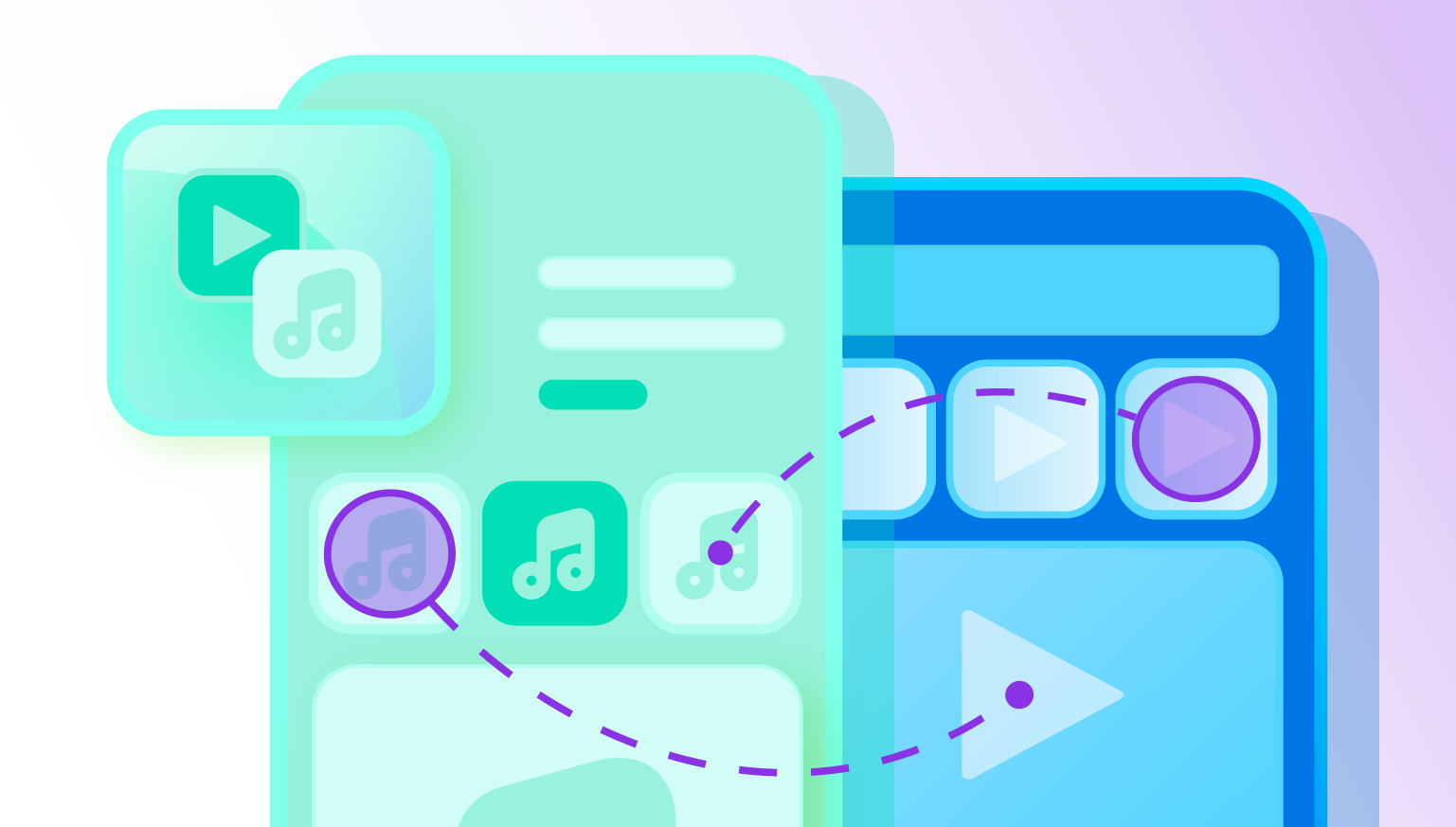
- Deferred deep links: These preserve the original link context (e.g., campaign, product, or promo) across App Store installation and first open, then they route the user into the right content inside your app.
To further explain how deferred deep links work, imagine a creator promoting a playlist on social media. A user taps the link on iOS, views a web landing page with a “listen in app” banner, then installs the app. With deferred deep linking in place, it takes the user straight to the promoted playlist when they first open the app, rather than a generic home screen.
For iOS acquisition and reengagement, deferred deep linking is essential in scenarios like:
- Paid user acquisition: Ads on Meta, TikTok, or Google that promote specific products, offers, or content.
- Referral programs: Invites and referral codes that track who referred whom and what reward to grant.
- Email and SMS campaigns: Messages linking to campaigns, collections, or account-specific experiences.
- QR code journeys: Offline touchpoints in stores, in out-of-home (OOH) advertising, or on packaging that should connect to in-app destinations.
How deferred deep linking on iOS works end to end
The high-level flow for deferred deep linking looks like this:
- Establishing an entry point: Set up where users should tap, like a link from an ad, email, web page, or QR code.
- Determining install state: If the app is installed and Universal Links are correctly configured, iOS opens the app and passes the URL. If not, it sends the user to a web fallback that can redirect to the App Store.
- Storing context before install: With some services, like Branch, the link encodes metadata such as campaign, channel, and custom parameters. Branch stores this context using a combination of identifiers and privacy-preserving techniques.
- App Store and install: If all goes well, the user downloads your app. During this time, you can’t run code or store identifiers inside the app.
- First open and SDK initialization: Depending on the service provider, they may take a different approach. With Branch, on first launch, the iOS software development kit (SDK) initializes in your AppDelegate and requests any deferred deep link data associated with this install.
- Routing to destination: After everything’s in place, your initialization callback receives the deep link parameters and your routing layer sends the user to the correct screen.
On modern iOS, privacy features complicate steps three and five. App Tracking Transparency (ATT) limits matching based on identifiers for advertisers (IDFA), and iCloud Private Relay can hide IP addresses for iCloud+ users in Safari and in-app Safari. These changes are why it’s best to use privacy-first approaches like Branch’s NativeLink feature, as it uses on-device clipboard context instead of unique personally identifiable information (PII).
Deferred deep linking iOS implementation options: Build your own vs. attribution and deep link providers
Building your own deep linking iOS plan and processes can be beneficial, but if your team wants accurate attribution, consistent routing, and less time spent on ongoing link maintenance, a provider like Branch is usually the more efficient and reliable option.
Should you choose to build your own, you’ll have full control but will also need to:
- Host and manage your own redirect service
- Implement Universal Links and custom URL schemes
- Design your own matching logic within Apple’s policies
- Maintain edge cases across Safari, in-app browsers, and changing iOS behaviors
- Perform ongoing maintenance every time Apple updates Safari, ATT guidance, or Private Relay behavior
If you choose to go with a platform like Branch, the service will:
- Offload most of this complexity
- Provide link creation, routing, cross-platform attribution, and a tested SDK kept current with each iOS release
- Ease growth strategies that rely on Safari or iOS in-app browsers
How to implement deferred deep linking on iOS when working with a provider: Step-by-step setup
The steps below assume you’re using Branch, but the general principles apply to mobile deep linking regardless of provider.
1. Configure Universal Links for your iOS app
- Create an Apple App Site Association (AASA) file that defines which paths your app should open. Host it at https://yourdomain.com/.well-known/apple-app-site-association.
- Include your app’s team ID and bundle ID in the AASA file, plus the URL patterns your app can handle.
- Serve the AASA file with the application/json MIME type and avoid redirects because iOS validates the file directly.
- Enable associated domains in the ‘Signing & Capabilities’ tab in Xcode and add your domains using the applinks: prefix (for example, applinks:example.app.link).
2. Define your link parameter schema
Decide which parameters you need to pass through the install:
- Content identifiers (for example, product_id, playlist_id)
- Campaign metadata (for example, campaign, ad_set, creative)
- User-specific context (for example, referrer_id, promo codes) within your privacy requirements
Branch links store this metadata in key-value pairs exposed in the initialization callback, which your routing layer can read.
3. Initialize the Branch SDK and handle first-launch routing
Install the Branch SDK using CocoaPods, Swift Package Manager, or Carthage. Then initialize Branch and handle the callback.
Your DeepLinkRouter can map parameters to view controllers or navigation flows. For first-launch flows that require login or permissions, store the parameters, complete onboarding, and then route to the deep-linked destination.
4. Ensure secure, durable context persistence
Branch handles context persistence across the App Store install using identifiers that comply with Apple’s policies, so you don’t need to manually manage cookies, IPs, or device fingerprints. For users with Private Relay or stricter privacy settings, NativeLink keeps deferred deep linking accurate.
How to implement NativeLink in your app
NativeLink extends your deferred deep linking iOS coverage to users whose traffic can’t be reliably matched using IP addresses because of iCloud Private Relay. As mentioned earlier, instead of relying on network identifiers, NativeLink copies deep link context to the device clipboard before install and reads it when the app first opens, entirely on-device.
This design maintains accurate routing and attribution for iCloud+ users browsing in Safari or in-app Safari and aligns with Apple’s privacy direction: Users explicitly control clipboard access, and it doesn’t introduce any additional cross-app tracking IDs. The trade-off is a paste prompt for iOS 16+ users, which you can manage with thoughtful implementation.
Implementing NativeLink through Branch looks something like this:
Step 1: Enable NativeLink on the Dashboard
Go to the ’Configuration’ section of your Branch Dashboard and select the ’Enable NativeLink’ checkbox. This reveals an audience rule with three options:
- All iOS traffic (all browsers): Every iOS user uses NativeLink when the app isn’t installed. This provides maximum coverage but triggers paste prompts for all new iOS 16+ users.
- All iOS 15+ traffic (all browsers): Users on iOS 15 or later use NativeLink; earlier versions rely on IP-based deferred deep linking.
- Only iOS Private Relay traffic (Safari and in-app Safari browsers): Only users with iCloud Private Relay enabled use NativeLink; others continue with IP-based matching.
Most teams start with the Private Relay-only option to target the segment where IP-based matching is least effective, then expand as needed.
Step 2: Implement the method to check the pasteboard in your app
This tells Branch to inspect the pasteboard on fresh installs. On iOS 16 and later, iOS will present a system paste prompt the first time your app reads clipboard contents.
If you want more control over when users see this prompt, use Apple’s UIPasteControl class instead and gate your logic by OS version. To send clipboard data to Branch when using UIPasteControl, call passPaste(_ itemProviders:) from within the paste handler.
Branch also offers a BranchPasteControl wrapper that automatically passes clipboard content to the SDK, reducing the boilerplate. Performance impact is minimal because pasteboard checks happen during initialization and involve lightweight data. The main consideration for user experience is the explanation for why you’re requesting paste access, which you can address with inline copy that frames the request as part of a personalized, link-driven experience.
iOS deferred deep linking best practices and testing checklist
Functional testing checklist:
- Test taps from Safari, Chrome, and common in-app browsers (for example, Instagram, Facebook, TikTok, Gmail).
- Verify Universal Links open the app when installed and fall back to the web or the App Store when not installed.
- Run full deferred flows by tapping the link > going to the App Store > installing the app > opening the app for the first time > confirming you’re routing to the expected screen.
- Test both cold start (app not running) and warm start (app in background) scenarios.
- Confirm your initialization callback receives parameters before routing logic executes.
NativeLink and privacy-specific checklist:
- Test on devices with iCloud Private Relay enabled in Safari and in-app Safari browsers.
- Confirm the paste prompt appears only where expected on iOS 16+ and that accepting it completes the deferred deep link.
- Validate that users who deny paste access still get a reasonable fallback experience.
Common issues and troubleshooting approaches:
- App always opens to the home screen: Check that your routing logic runs after initialization and that you’re reading the correct parameter keys.
- Universal Links open the browser instead of the app: Verify AASA hosting, associated domains configuration, and that links use HTTPS.
- Deferred deep linking fails only for some users: Investigate Private Relay settings, browser type, and whether you’ve enabled NativeLink for the right audience rule.
As you scale, add automated tests and staging environments for link quality assurance, plus analytics alerts if deferred deep link success rates drop.
Next steps for scaling your deferred deep linking iOS implementation
For scaling initiatives, choose Branch. We’ve designed our deep linking and attribution platform to support scale: You can create and manage links across paid, owned, and earned channels, measure performance down to the campaign and creative level, and route users to tailored experiences without rebuilding core infrastructure every release.If you’re ready to go beyond basic deferred deep linking iOS setups and want a solution that supports enterprise-grade measurement, Branch’s deep linking solutions can help you deliver more relevant first-session experiences and improve conversion from acquisition campaigns as iOS continues to evolve.