


Key takeaway
Branch has updated its Monster Factory apps to include more features and a fun, gamified way to get familiar with the SDK deep linking and attribution functionality.
Branch Monster Factory is a developer demo app for exploring the Branch SDK in a working, production-ready environment — and the latest version makes that a lot more hands-on.
Users can now select a customized monster and level it up by performing tasks like generating a Branch link or sharing a customized QR code. Complete with an onboarding flow, SDK challenges, and production-grade sample code, you can explore the latest and greatest SDK features all while earning experience points.
Whether you’re a prospective Branch customer looking to learn more about the SDK’s functionality, an existing customer looking for examples of Branch features in production, or a developer who just wants to have fun, the latest version of the Branch Monster Factory app is available now on the Google Play Store and Apple App Store.
Here’s what you can expect inside.
Challenges that level up your Branch knowledge
After choosing your own “monster,” you’ll see a list of challenges to complete. Each one earns your monster experience points that unlock a bigger, cooler form at certain milestones. Challenges include creating a Branch deep link, generating a customized QR code, and viewing Branch analytics.

In-app tasks to explore SDK features
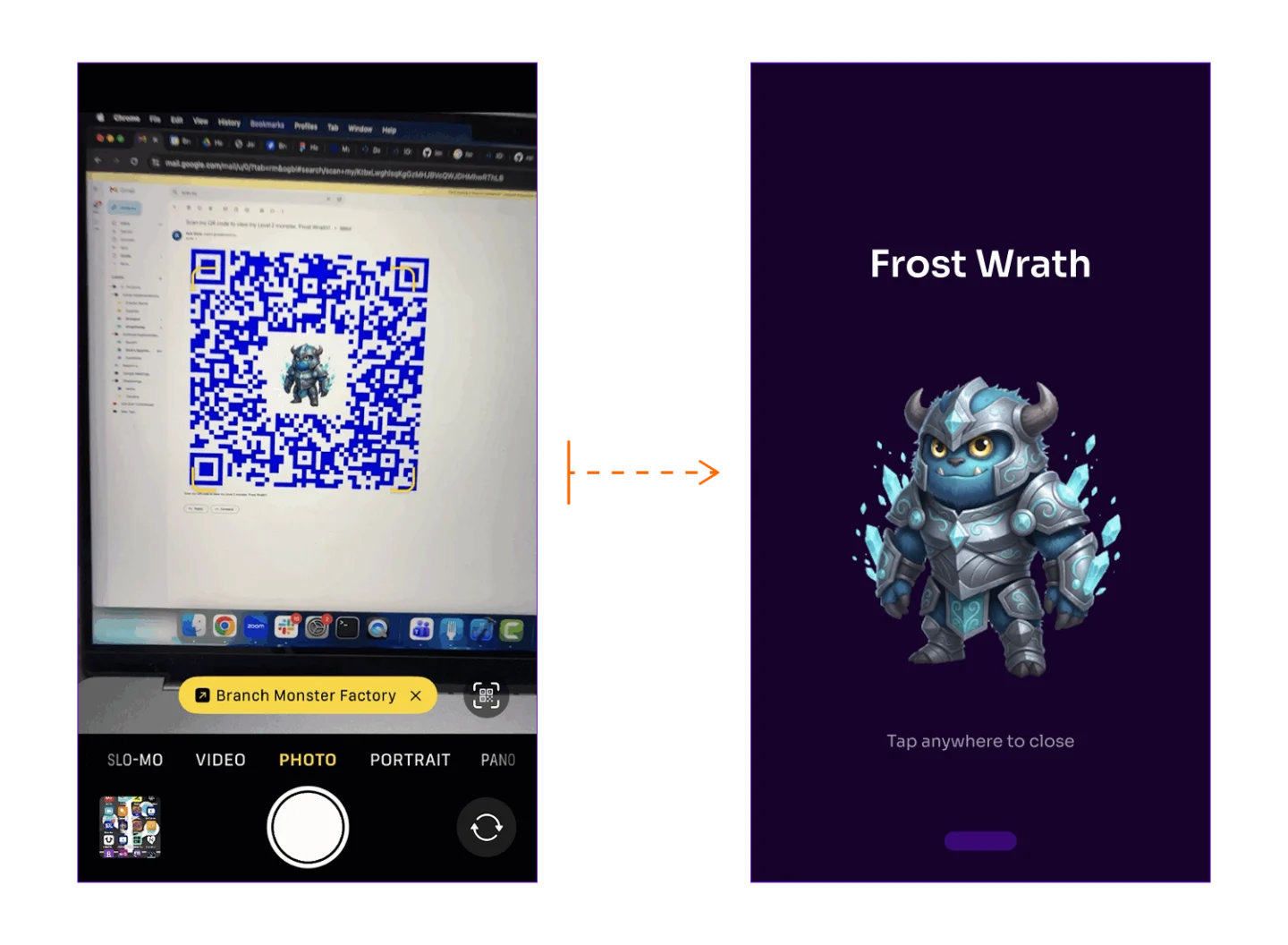
The Branch SDK covers three core capabilities: deep linking, attribution, and analytics. This updated sample app shows all three in a production-ready environment. Take QR codes as one example: You can programmatically generate a customized QR code of your monster, share it with a friend, and when they scan it, they’ll install the app and land directly on your monster.
Branch lets you track a variety of analytics events with enriched attribution data from multitouch attribution. In the Monster Factory app, you can track Branch events and drill down into event data to earn points while boosting your knowledge of Branch’s app analytics capabilities.
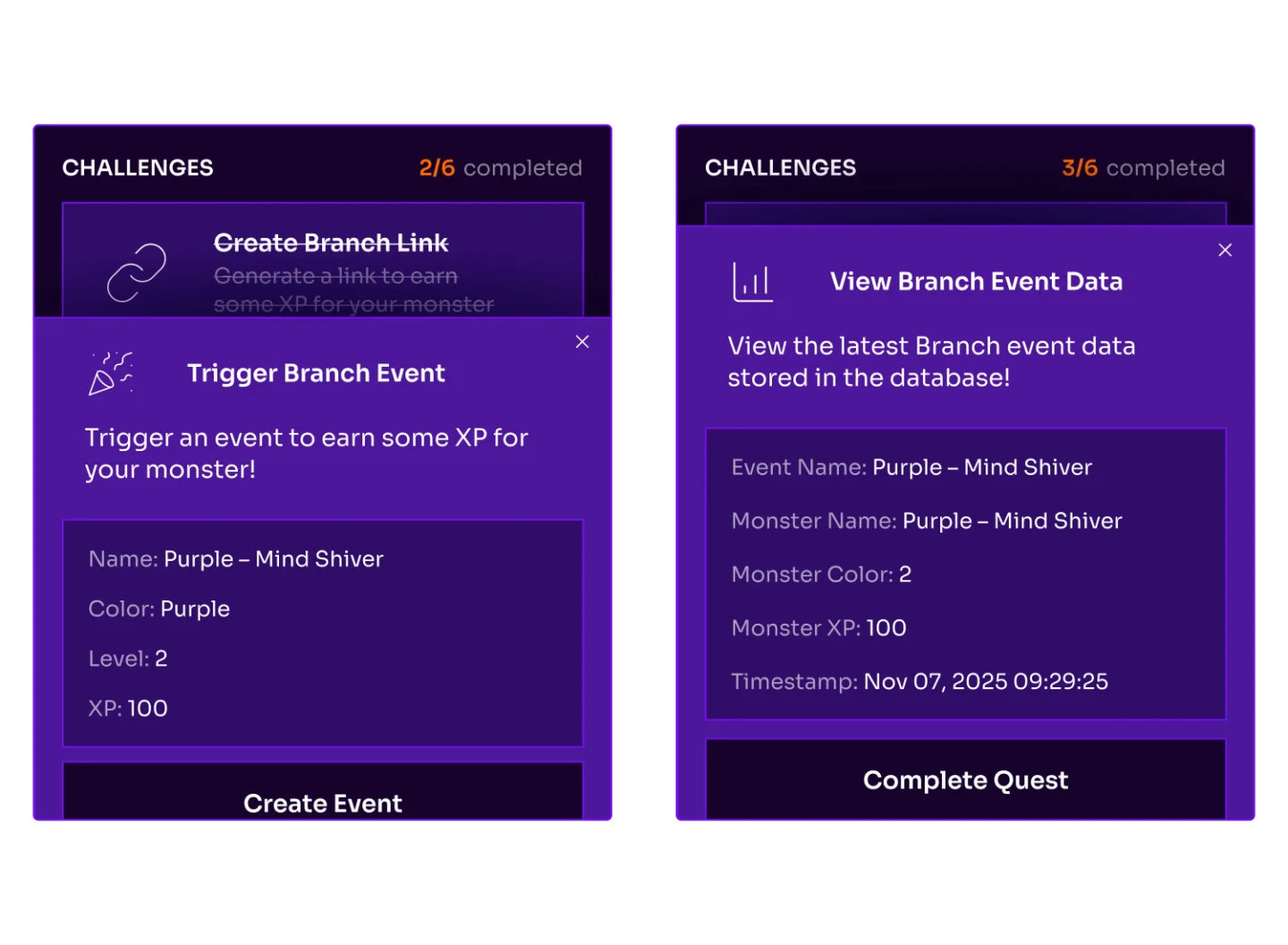
Deep linking, Branch’s bread-and-butter, enables you to take users who tap a link directly into your app and land them on their content of interest. In the Monster Factory app, you can generate and share these types of Branch links that will take users to your unique monster.
Built to mirror real SDK integration scenarios
The new apps aren’t just flashy; they’re meant to mimic the everyday scenarios you face when integrating the Branch mobile SDK into your onboarding sequences, link sharing use cases, and QR code deployments.
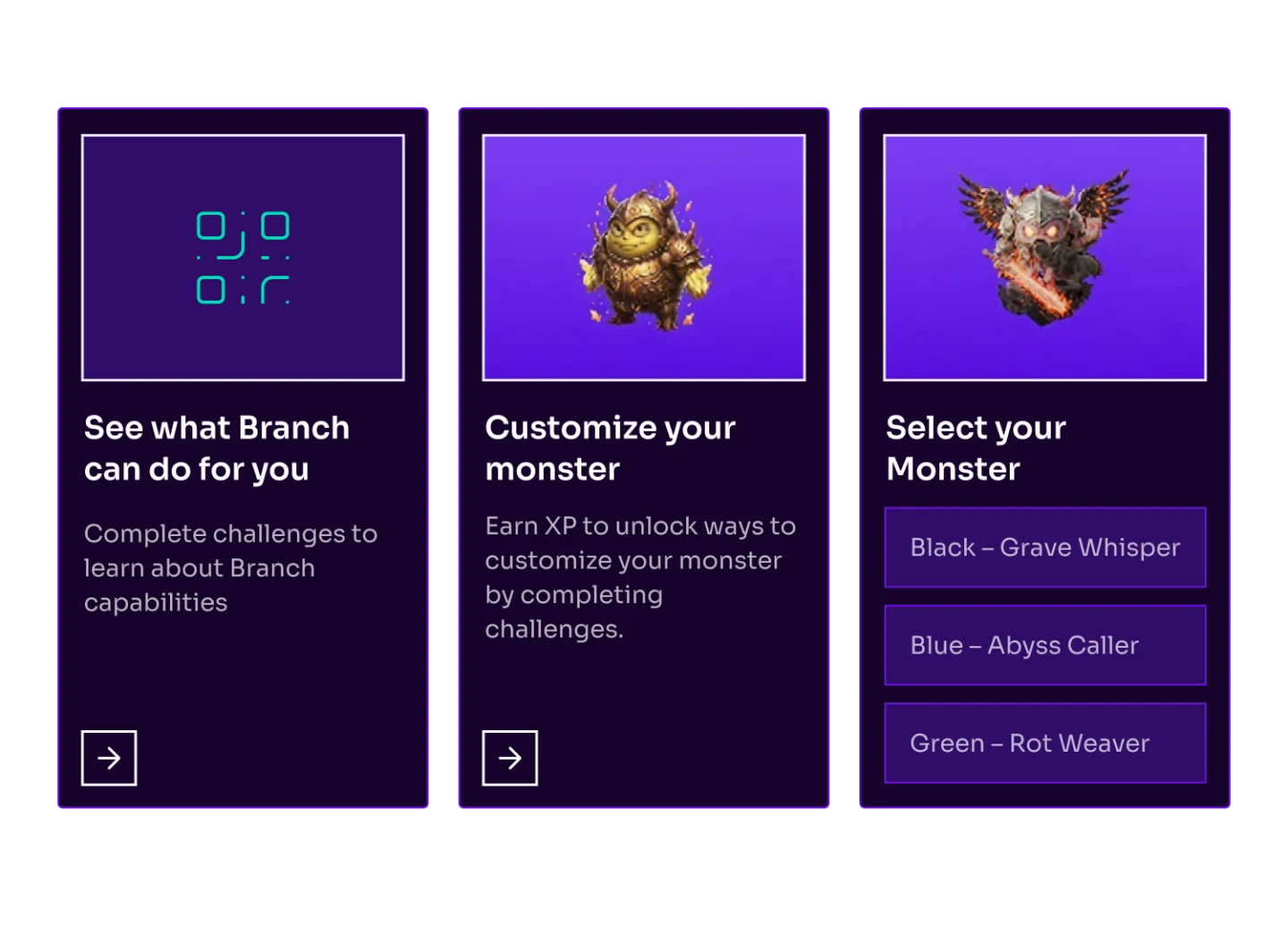
These apps are living samples that demo each of Branch’s core features, and now they’re built on modern Swift and Kotlin codebases. Developers can dig into the source code for Android and iOS on Github.
To get started, download the app on Android or iOS by scanning the QR code.