Broken deep links waste paid media budget and frustrate users who expect to land on the exact product, offer, or screen you promoted. A purpose-built deep link generator gives you reliable, measurable routing across channels so you can protect conversion rates and prove the impact of every campaign.
What is a deep link generator, and when should I use one?
A deep link generator is a tool that creates URLs that open specific content in your app and carry attribution data across the journey. You use it whenever you want clicks from ads, email, SMS, QR codes, or web to land on the right in-app screen instead of a generic homepage.
For growth and performance marketers, a deep link generator replaces manual, error-prone link setup with standardized routing logic, install flows, and measurement.
How deep links, Universal Links/App Links, and deferred deep links differ
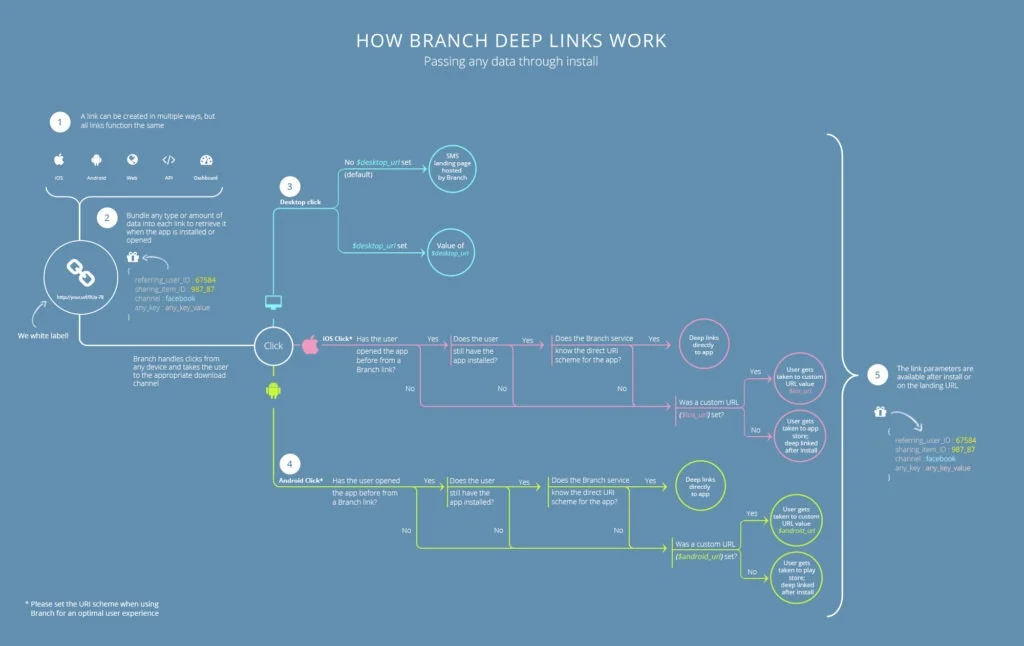
Standard deep links use custom URI schemes (for example, myapp://product/123) and work only when the app is already installed. If the app isn’t present, the tap usually does nothing, causing issues for acquisition campaigns.
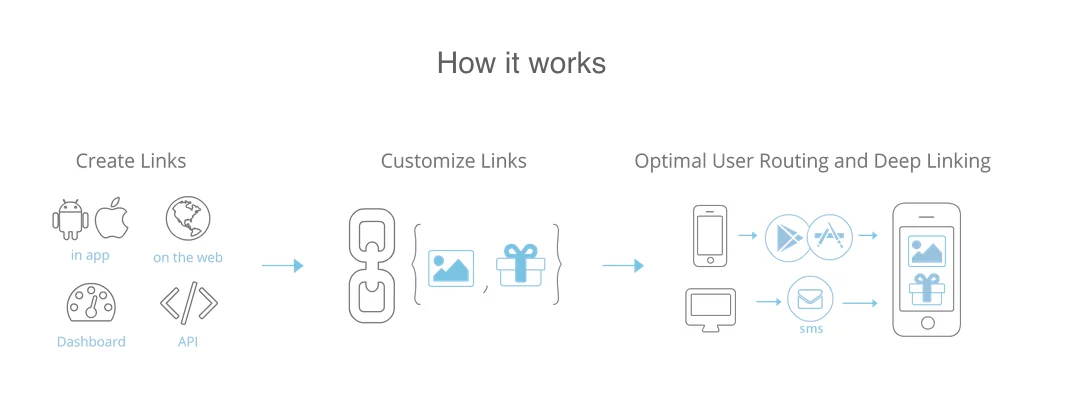
Universal Links on iOS and App Links on Android use HTTPS URLs bound to your domain. If the app is installed, these links open to it, but if not, they fall back to a mobile web page. Furthermore, Universal Links are more secure, predictable, and better suited to cross-channel marketing than other options.
Deferred deep links handle the “no app installed” cases. They capture destination parameters, send the user to the app store, and then open the promised in-app screen on first launch. Your deep link generator should support all three so you can match link type to each use case.
Problems a deep link generator solves
The right deep link generator fixes three persistent issues:
- Broken journeys
- Fragmented attribution
- Engineering bottlenecks
Which teams and channels benefit most
- Paid acquisition teams use deep links to send ad clicks to specific product pages or onboarding flows, optimizing for downstream events rather than just installs.
- CRM and lifecycle teams use them in email and SMS to power cart recovery, reactivation campaigns, and personalized content delivery.
- Offline and web teams rely on deep-linked QR codes and web-to-app prompts to convert physical and mobile web traffic into engaged app users.
How do you generate a deep link URL that opens the right in-app screen?
1. Define the destination, required parameters, and fallback experience
Start by deciding exactly where you want users to land: a product detail screen, a collection, a paywall, a loyalty offer, or a specific step in the sign-up process. Define the parameters your app needs, such as product IDs, promotion codes, or content slugs, so engineers can map each combination to an in-app route.
Then decide what users should see if the ideal path isn’t possible. Your deep link generator should let you choose between the app store, mobile web equivalents, or a landing page that explains the value of installing the app. Treat this fallback as part of the campaign, not an afterthought.
2. Choose the link type and routing logic
For owned channels where the app is almost always installed, basic deep links or URI schemes may be acceptable. For cross-channel campaigns, set Universal Links and App Links as the defaults so users either open the app or see the correct mobile web page.
For acquisition campaigns, enable deferred deep linking so new users go:
- From tap
- To store
- To the exact in-app content that matched your message
Advanced deep link generators let you add conditional rules by operating system (OS), device type, region, or other attributes, so each user gets the best possible destination.
3. Add measurement parameters
Every deep link should carry standardized parameters that support attribution and analysis. At minimum, include a campaign source, medium, and campaign name, plus identifiers like ad set, creative, or placement. Most teams also add custom keys for promo codes, experiment variants, or content categories, and your deep link generator should:
- Enforce a consistent taxonomy
- Reduce manual entry
- Ensure parameters survive deferred deep linking and app updates
4. Validate, QA, and document the deep link
Before any deep link goes live, test it with and without the app installed, on current and recent OS versions, and through common entry points like email clients, social apps, and mobile browsers. Confirm that routing, install flows, attribution, and fallbacks match your expectations.
Record each link or template in a central location, along with its destination, expected behavior, parameters, and owner. That documentation will save time when you audit performance, debug anomalies, or onboard new teammates.
What should you look for in a deep link generator tool?
Link reliability features
Confirm that the platform routes accurately across iOS, Android, desktop, and mobile web. It should:
- Detect install state
- Support deferred deep linking
- Give you granular control over fallbacks by device, OS version, and geography
Look for detailed logs and debugging tools so your team can diagnose routing issues quickly.
Measurement features
Assess how the deep link generator handles attribution and analytics. You should be able to see installs, reopens, and key in-app events by link, campaign, and channel in one place. Event mapping, cohort analysis, and flexible data export let you compare user quality across sources and merge link data into your existing BI or warehouse environment.
Security and governance features
Enterprise teams need branded domains, SSL, and domain verification to protect users from spoofed links and preserve deliverability. Role-based access controls, approval workflows, and audit logs help you control who can create or change links, which are critical for sensitive flows like:
- Authentication
- Payments
- Account management
Workflow and integration features
Templates, bulk creation, and APIs help you manage thousands of links without manual work. For reduced setup times and cleaner data flows, use native integrations with:
- CDPs
- ESPs
- SMS platforms
- Ad networks
- Analytics
Best deep link generator tools for apps
1. Branch
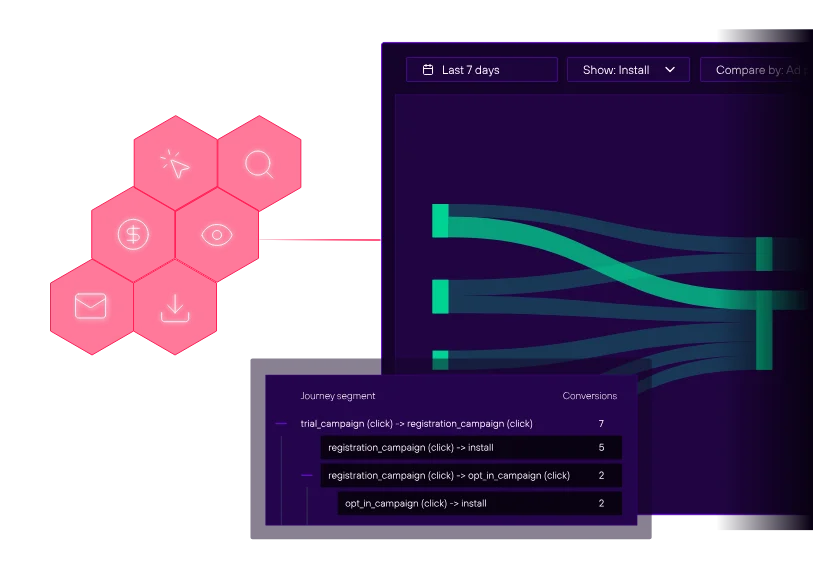
As a mobile growth platform focused on deep linking and attribution, Branch helps you create links that work across paid, owned, and organic channels while tying installs and post-install events back to the original click. Key features include:
- Reliable linking and measurement: Supports deferred deep linking, advanced routing rules, and cross-channel measurement in a single system
- Workflow and governance: Includes link templates, governance controls, and branded domains to help teams scale safely
- Prebuilt integrations: Connects with major ESPs, analytics tools, and ad networks to streamline setup and data flow
Branch offers afree tier for basic use, while advanced analytics, higher volumes, and enterprise features are available on paid plans.
2. Bitly
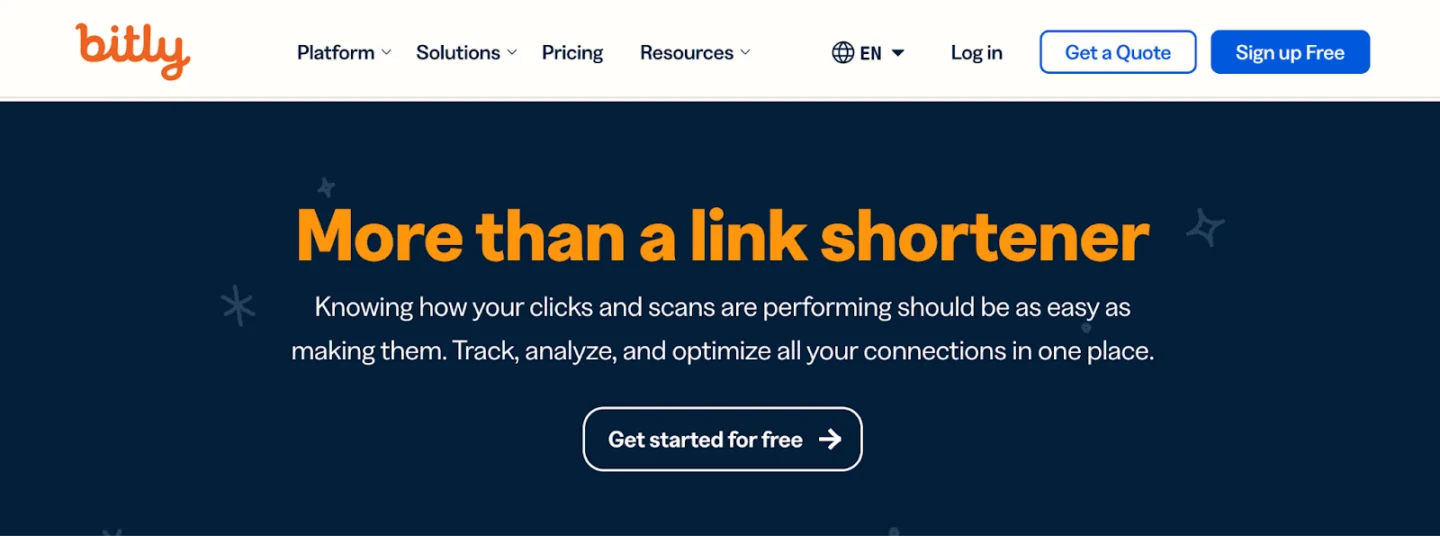
Combining deep linking, URL shortening, and analytics, Bitly is built to capture engagement online and across platforms. It’s commonly known for its intuitive setup and for making it easy to track and analyze valuable metrics. Key features include:
- Bitly analytics: Tracks essential metrics in real time, shown within an easy-to-understand dashboard
- QR code generation: Pairs QR codes with deep linking for quick access to your app and extended reach in physical spaces
However, deep linking is available only with some paid plans, and some users have expressed frustration with Bitly’s limited analytics.
3. Adjust
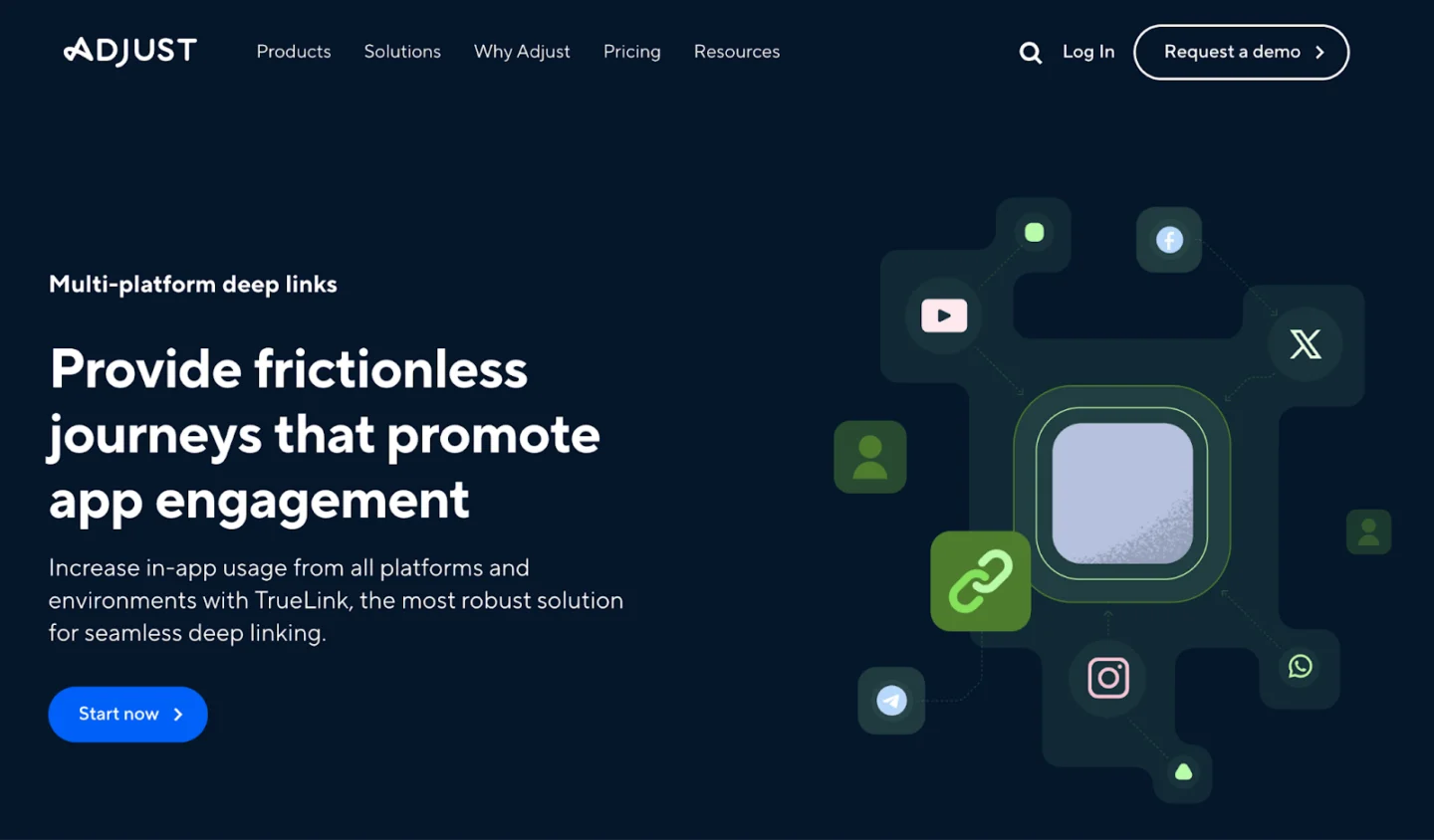
Included within the Adjust measurement suite, this deep link generator helps you create links with prefilled attribution data for your campaigns. Key features include:
- Campaign lab and API: Creates short or long deep links with device-specific redirects through a dedicated interface and an accompanying API
- Integrated attribution: Links automatically carry prefilled attribution parameters, which helps teams already running performance campaigns through Adjust
Short link volume is governed by your contract, and initial configuration requires developer work on Universal Links, App Links, and branded domains.
4. AppsFlyer OneLink
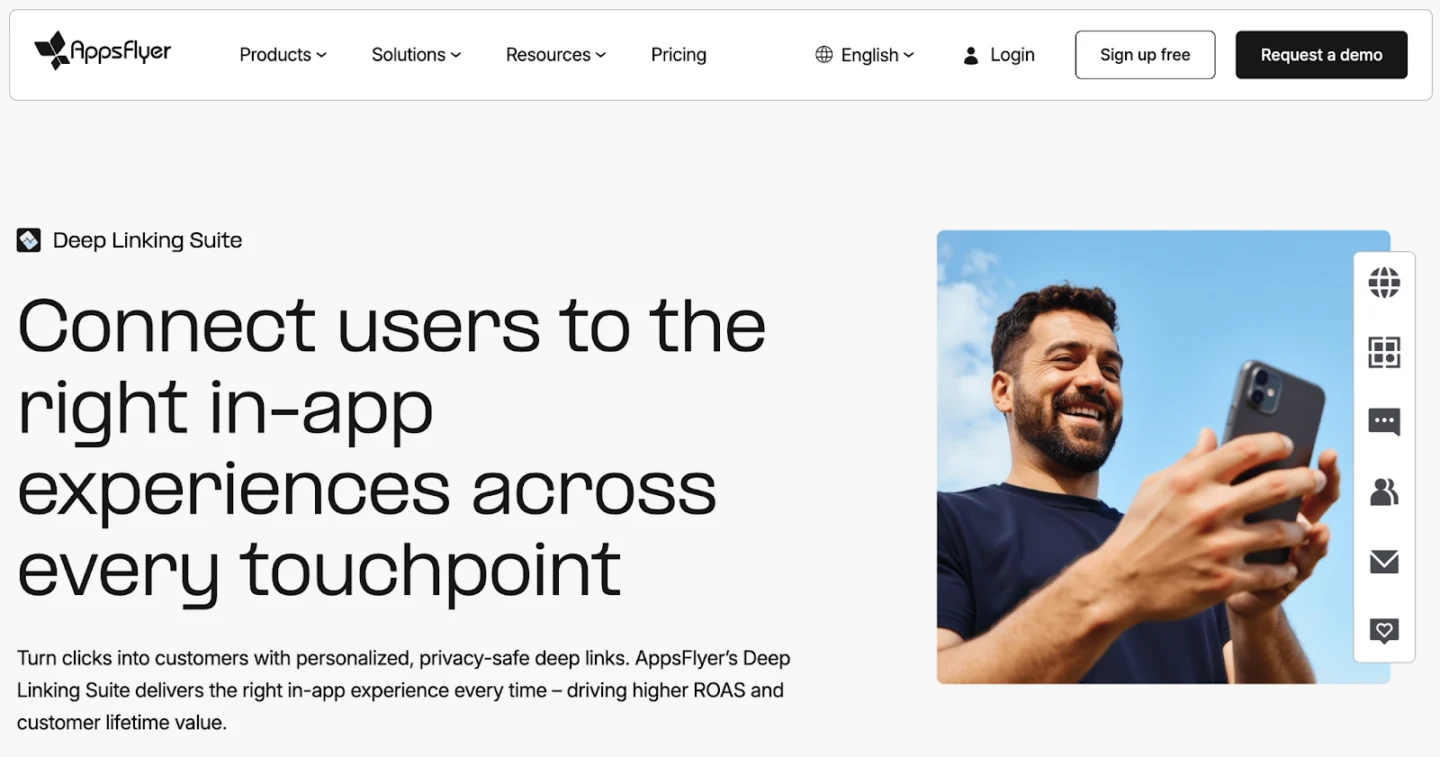
As part of the broader AppsFlyer attribution platform, OneLink lets you create multi-platform links for ads, email, web, and QR codes. Key features include:
- Cross-channel linking: Supports deep linking and deferred deep linking for campaigns across ads, email, web, and QR codes
- Scalable generation: Provides templates and APIs to help teams generate links in bulk while maintaining consistent parameters
Using OneLink effectively requires the AppsFlyer SDK and developer resources to configure parameters and handle platform-specific edge cases, particularly on iOS.
5. Kochava
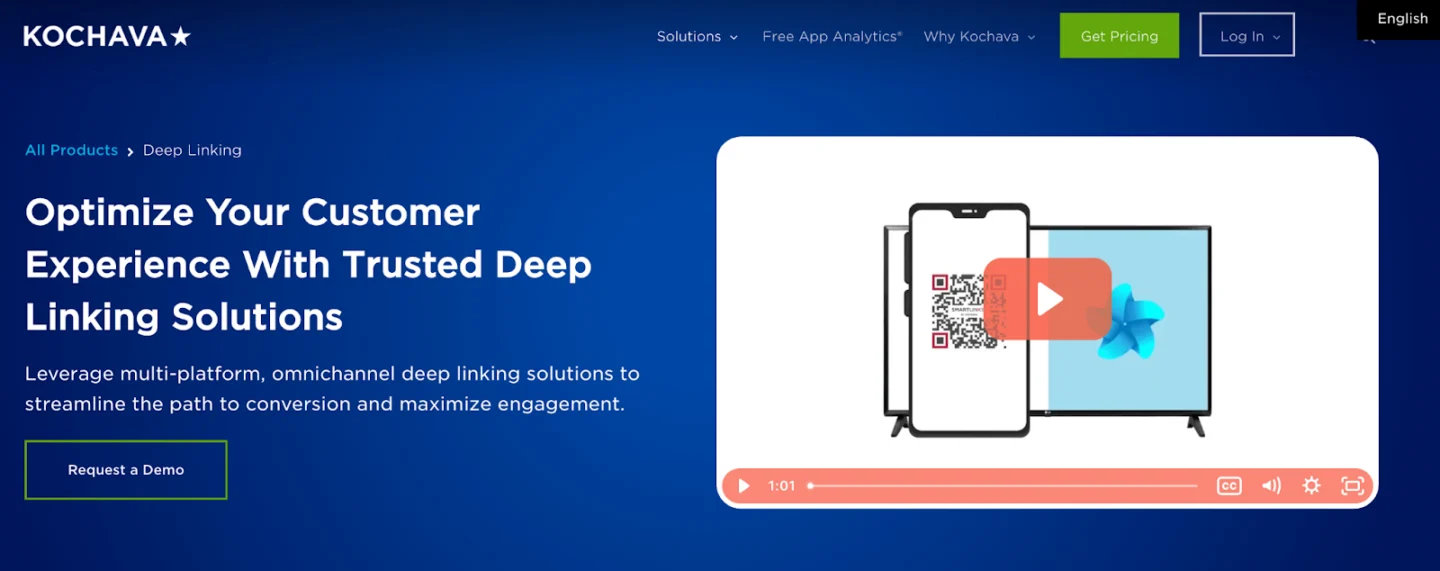
Kochava provides SmartLinks™ and dynamic deep linking as part of its analytics and attribution platform, designed to route users with a single link. Key features include:
- Dynamic routing: Routes users based on platform, OS, and region, with full support for deferred deep linking
- Macro-based personalization: Uses macros and parameters to personalize link destinations without creating a unique URL for every user or campaign variation
Pricing for advanced features is customized, so you will need to discuss your expected volume and scope with the Kochava team.
6. OS-native options
For teams with strong in-house engineering and basic measurement needs, implementing Apple Universal Links and Android App Links directly is an option. Key benefits include:
- Full routing control: Provides complete control over your link routing logic without relying on a third-party platform
- No platform fees: Eliminates third-party licensing costs by using the native capabilities built into iOS and Android
The primary trade-off is significant engineering overhead. Your team is responsible for building and maintaining its own systems for deferred deep linking, attribution, reporting, and governance, which often outweighs the cost of a dedicated deep link generator.
How do you implement, test, and measure deep links?
Set up app-side handling for iOS and Android
On iOS, configure Universal Links by hosting an Apple App Site Association file on your domain and updating your app entitlements. Implement handlers to parse incoming URLs and route users to the right view controller based on parameters.
On Android, declare intent filters and Digital Asset Links so your app can claim relevant HTTPS URLs.
Branch and other MMPs provide SDKs that handle much of this parsing and routing if you prefer not to build from scratch.
Test deep links across devices, OS versions, and browsers
Before launch, build a test matrix that covers:
- iOS and Android
- Common devices
- Recent OS versions
- Key browsers and in-app webviews
For each scenario, test with the app installed, uninstalled, and in deferred deep linking flows.
Monitor performance
After launch, track a few metrics by link and campaign:
- Click-through rates
- Installs
- Post-install events
Of course, be sure monitoring is recurring, not occasional, so you can stay on top of issues with any updates or changes.
Deep link generator best practices and rollout plan
1. Start with high-impact journeys
Prioritize deep linking for journeys that directly impact revenue and retention, such as paid media onboarding, abandoned cart recovery emails, and subscription upgrade prompts. Early wins in these areas provide data that can justify broader implementation across your app.
2. Standardize deep link taxonomy
To ensure clean reporting as you scale, create a standardized deep link taxonomy. Define clear naming conventions for channel, campaign, and destination. Agree on a set of required parameters for attribution and personalization, and document everything in a shared reference for all teams.
3. Scale safely with governance
Establish QA and approval workflows for sensitive journeys, like payments or authentication; always test links across devices and operating systems before launch; and use templates to prevent accidental changes from breaking live campaigns.
Unify your mobile journeys with Branch
A dedicated deep link generator is the key to creating consistent user journeys and proving campaign ROI. Branch provides the reliable routing, unified measurement, and enterprise-grade governance you need to acquire, engage, and retain more mobile users.Explore Branch deep linking to see how you can build better experiences across every channel.
Deep link generator FAQs
Standard deep links don’t work when the app isn’t installed – they usually fail or do nothing. To support users without the app, you need deferred deep links or Universal Links/App Links managed by a deep link generator. Those links capture destination parameters, send users to the app store, and then restore context on first open.
A regular deep link sends someone who already has your app to a specific screen. A deferred deep link also handles users who don’t yet have the app by remembering the destination through install and first open. Deferred deep links are critical for measuring and improving acquisition campaigns.
Define mobile web URLs for users without the app, desktop URLs for non-mobile devices, and app store links when no web equivalent exists. Preserve parameters so you can still attribute web conversions, and regularly test scenarios like older OS versions or restrictive in-app browsers to confirm fallbacks behave as expected.
Use HTTPS, Universal Links, and App Links with verified domains so only your app can claim your URLs. Avoid putting sensitive identifiers like emails or account numbers in query strings, and use tokens your backend can exchange securely after authentication. Also, limit who can create links to sensitive destinations, and review link patterns periodically to catch risky parameters or unexpected usage.